Workflow Automation for US Operations Teams: What to Automate First
Automation9 min readNovember 23, 2026

Workflow Automation for US Operations Teams: What to Automate First

Workflow automation pays off for US operations teams when it connects the systems people copy data between by hand. Here is what federal data says about back-office work, which processes to start with and the controls to build in.

How should a US operations team start with workflow automation?

Start with one frequent, rule-based process that moves data between systems, such as invoice intake or order entry. Connect the systems through their APIs, send unusual cases to a named person and log every step. Measure cycle time and errors before and after. Federal data shows routine clerical work declining slowly, so expect roles to shift toward handling exceptions rather than disappear.

01

The short answer: automate the handoffs and keep people on the exceptions

Workflow automation helps a US operations team most where work moves between systems by hand: an invoice retyped into accounting, or an order copied from an email into the ERP. Start with one high-volume process that follows clear rules, then connect the systems it touches. Anything unusual goes to a person.

That advice sounds modest because the evidence supports a modest start. Federal data shows routine clerical work shrinking slowly, and only about one in five US firms reports using AI at all. Most companies also still run applications that do not share data with each other. This guide covers what the data says, four ways to automate an operations workflow, the processes to pick first, the controls to build in and how to tell whether it worked. For a broader primer, see what AI automation means for business.
02

Routine back-office work is shrinking slowly, not disappearing

The Bureau of Labor Statistics publishes ten-year employment projections. Its latest set, last updated in August 2026, covers 2025 to 2035, and several occupations that make up a typical operations back office appear on its list of the largest job declines. Total US employment, by contrast, is projected to grow 3.5%.

Data entry keyers are expected to fall 25.5%, order clerks 17.5%, payroll and timekeeping clerks 15.9% and bill and account collectors 10.4%. General office clerks, the largest group, are projected to lose about 156,200 jobs, a 6.0% decline. Bookkeeping, accounting and auditing clerks numbered about 1.53 million in 2025 and are projected to decline 5.6%.

BLS gives a direct reason for the bookkeeping decline. Software has automated many of the tasks, so the same work needs fewer people, and clerks are expected to move toward analysis and advice. The agency still projects about 144,100 openings a year in that occupation, all of them to replace people who retire or change jobs.

For an operations leader the practical reading is this: rekeying data is the work most exposed to software. The steady turnover in these roles is a good reason to automate the repetitive part before the next round of hiring and training.

Projected decline in US employment by occupation, 2025 to 2035 (%)

Source: [U.S. Bureau of Labor Statistics, Employment Projections Table 1.6: Occupations with the largest job declines, 2025 and projected 2035](https://www.bls.gov/emp/tables/occupations-largest-job-declines.htm), last modified 27 August 2026. Bars show projected percentage declines; total US employment is projected to grow 3.5% over the same period. Government projection.

03

About one in five US firms uses AI, and larger firms lead

The Census Bureau's Business Trends and Outlook Survey asks firms every two weeks whether they use AI. Across the readings from December 2025 to May 2026, between 17% and 20% said they used it in some business function, and between 20% and 23% expected to within six months. The reading for the period ending May 3, 2026 was 19.8%.

Use rises with size. In the same Census analysis, 37% of firms with at least 250 employees reported using AI, against less than 20% of firms with four or fewer employees. By sector, information (39.7%) and finance and insurance (33.9%) were well ahead of the national rate, and retail trade sat around 14%.

Two notes on reading these numbers. Census changed the question in November 2025: it used to ask about AI used to produce goods or services, and now asks about AI used in any business function. Older readings near 10% are therefore not comparable with the new ones. And when the Federal Reserve Bank of Minneapolis looked at the same survey, it found that about 96% of AI-using firms reported no change in employment, while 10% said AI now performed tasks that employees used to do.

Most US companies are still early. An operations team that starts now is not behind, and it can learn from the firms that went first.

Share of US firms using AI in a business function, by sector, period ending 3 May 2026 (%)

Source: [U.S. Census Bureau: Large Firms With at Least 20 Employees Biggest AI Users](https://census.gov/library/stories/2026/05/ai-use-businesses.html), 26 May 2026, Business Trends and Outlook Survey. The retail figure is reported as around 14%. Government survey, self-reported by firms.

04

The bigger obstacle is systems that don't connect

Most operations work crosses systems: the CRM, the ERP or accounting package, a warehouse or field-service tool, plus email and shared spreadsheets. Automation needs those systems to share data, and in most companies they don't yet.

Salesforce's MuleSoft unit runs an annual survey of enterprise IT leaders. The 2026 edition, published in February 2026, covered 1,050 IT leaders at organizations with at least 1,000 employees in nine countries including the United States, surveyed in October and November 2025. Respondents reported an average of 957 applications, up from 897 a year earlier, and only 27% of them were integrated. 96% said their organization faced barriers to using its data for AI. These figures come from a company that sells integration software, and the sample is large enterprises, so treat them as a sign of direction and not as a measurement of your own stack.

A smaller company may run a few dozen tools rather than hundreds, but the pattern holds. When the order system and the accounting system don't share data, someone copies it across, and that copying is usually the first thing worth automating. Our guide to API integrations for business operations covers the connection options in more depth.

05

Four ways to automate an operations workflow

Operations teams usually choose between four approaches, and many end up using more than one. The table compares them on the points that decide a first project.

If a process stays inside one product, such as approval routing in an accounting package, start with the rules that software already has. You add nothing new to maintain. No-code connector platforms suit simple triggers between popular SaaS tools, for example alerting the team when a new order arrives. They get hard to manage once a workflow has many branches or needs strict error handling.

RPA bots copy what a person does on screen. They help when an old system has no API, and they break when the screen changes. For processes that cross several systems and start from messy inputs like emailed PDFs, the more durable option is a workflow built on the systems' APIs, with an AI step only where text has to be read or classified. It costs more to set up. It is still the approach we would recommend for an operations team's core processes, because each step is logged and can be tested on its own. The difference between rule-based and AI steps is covered in AI automation vs traditional automation.

Four ways to automate an operations workflow
Rules in your current toolsNo-code connector platformRPA botsAPI workflow with AI steps
What it doesRoutes approvals and sends alerts inside one productMoves data between SaaS tools on simple triggersRepeats clicks and typing on a screenConnects systems through their APIs and reads documents where needed
Best forProcesses that stay inside one systemSimple two-step handoffsOld systems with no APICore processes that cross several systems
Main riskStops at the edge of that productHard to manage once flows branchBreaks when the screen changesHigher setup cost
Setup effortLowLow to mediumMediumMedium to high
Who maintains itThe system adminWhoever built the flowAn RPA developerA named owner, with tests and logs

Source: Raanzlr comparison of common approaches. Qualitative guidance, not a measured benchmark.

06

Which workflows to automate first

Pick from your own process data. List the recurring tasks in the team, then estimate how often each one happens and how long it takes. The best first candidates happen often and follow clear rules, and a mistake in them is easy to correct.

Good first candidates

  • Invoice intake, where supplier invoices are read from an inbox, matched to purchase orders and receipts, and queued for approval.
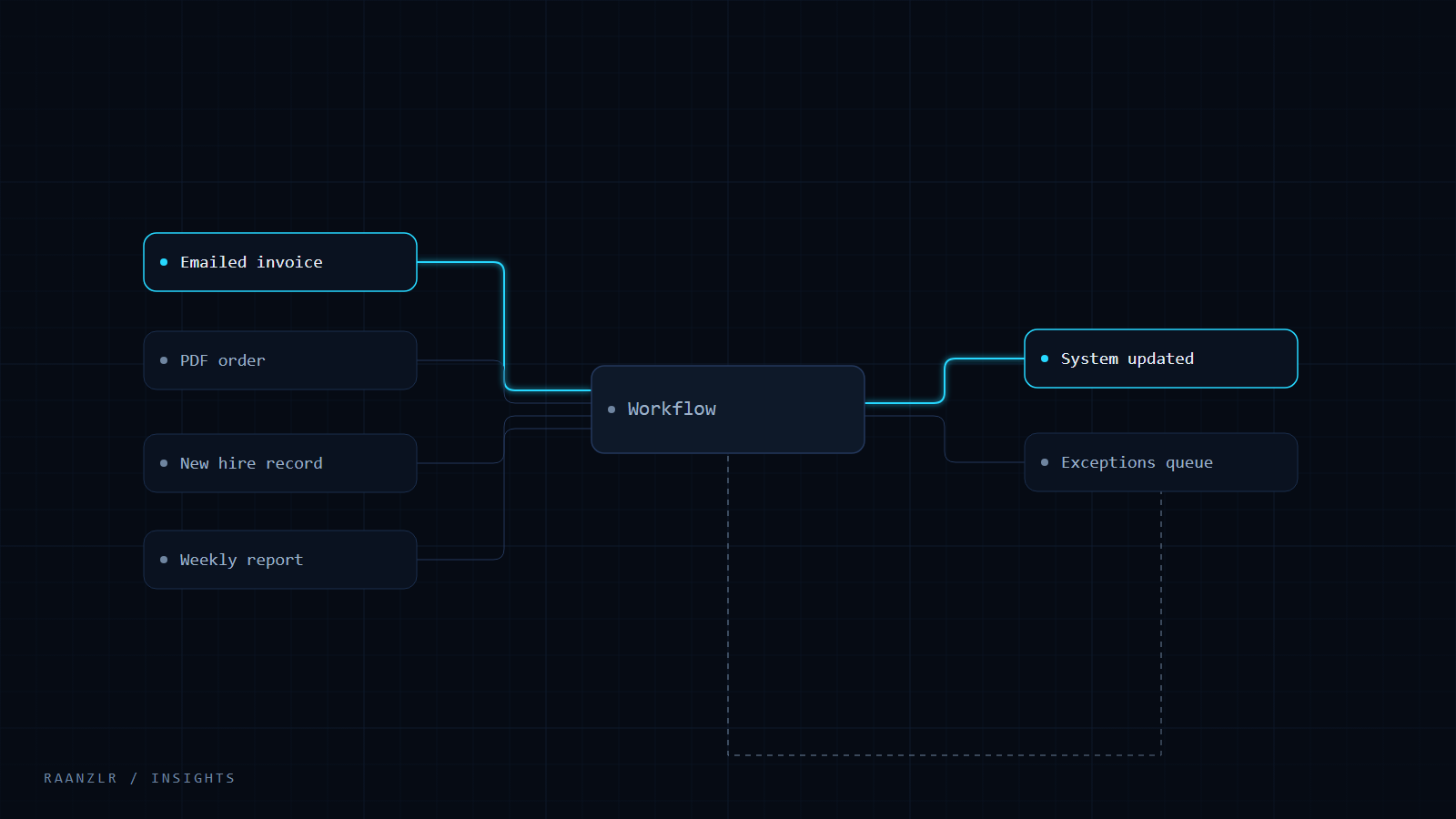
  • Order entry, turning emailed or PDF orders into records in the order system, with a person checking anything that doesn't match a known customer or price.
  • Employee onboarding and offboarding, creating and removing accounts across tools from one HR record.
  • Status updates that push shipment or inventory status from one system into the CRM and out to customers.
  • Recurring reports that pull the same numbers from several systems every week, instead of someone rebuilding a spreadsheet.

Keep with people for now

  • Vendor disputes and credit decisions.
  • Payments above an approval limit.
  • Any change to bank details or payment instructions, a well-known route for payment fraud.
  • One-off projects and processes that change every month.

Fix the process before you automate it. If three people do the same task three different ways, agree on one way first, or the automation will copy the confusion.

07

Controls to build in from the start

Automation in operations touches money and personal data, so the controls belong in the design and not in a later phase.

  • Keep a human approval step for payments and for changes to vendor or customer master data, with limits the automation cannot raise itself.
  • Log every run, input and action, so anyone can see what happened to a given invoice or order.
  • Give each automation its own account with the narrowest permissions it needs. Never share an admin login.
  • Send anything the workflow cannot handle to a named person with the context attached, and review that exceptions queue every week.
  • When an AI step reads a document, store the extracted values next to the source and have a person confirm fields the model is unsure about.

Public companies have a further reason for care. The Sarbanes-Oxley Act requires management to assess internal control over financial reporting every year, and an automated step in the invoice or revenue process is part of that control environment. Involve your controller or auditor before automating anything that posts to the general ledger.

08

How to tell whether it works

Measure the process before you change it, or you will have nothing to compare against. A month of baseline data is usually enough.

  • Cycle time, how long an item takes from arrival to done, for example from invoice received to invoice approved.
  • Touch time, the minutes of human work per item. This is where savings show up.
  • Exception rate, the share of items the automation hands to a person. A high rate means the rules or the inputs need work.
  • Error rate, counting mistakes found later such as duplicate payments or wrong quantities, compared with the manual baseline.
  • Cost per item, including the software and the setup spread over a year, plus the time people spend on exceptions and upkeep.

Run the first workflow for four to six weeks, review the exceptions weekly and fix their causes. Move to the next process only when the first one is stable and the team trusts it. A dashboard that puts these numbers side by side makes that call easier.

09

What this means for business automation

For a US operations team, a sensible first project is one process handled end to end, with a clear owner and an exceptions queue. Raanzlr can build that as a workflow automation that moves data between your existing tools through CRM and API integrations, so nobody retypes an order or an invoice. Where the input is a PDF or an email, document AI can read it and pass uncertain fields to a person for review. A dashboard can track cycle time and exceptions against the manual baseline. Approvals and audit logs are part of the design of each build. For companies in the United States, the work starts from your own process data and a scope agreed before anything is built.

// FAQ

What is workflow automation for operations teams?
Workflow automation is software that moves work between people and systems according to rules. It picks up an input such as an invoice or an order, enters it where it belongs, routes it for approval and records each step. For operations teams it usually replaces copying data between tools by hand, and it hands anything unusual to a person instead of guessing.
Which operations process should we automate first?
Pick one that happens often, follows clear rules and is easy to correct when something goes wrong. Invoice intake, order entry from emails, employee onboarding and recurring reports are common choices. Avoid starting with payments, vendor bank details or processes that change every month. Measure the current cycle time and error rate first so you have something to compare against.
Is RPA or API integration better for workflow automation?
Use APIs where the systems offer them. API-based workflows are more stable because they do not depend on what a screen looks like, and each step can be logged and tested. RPA is useful for older systems that have no API, but bots tend to break when the interface changes, so budget for maintenance and keep RPA to the steps with no other option.
Will workflow automation replace operations staff?
Current data points to gradual change. The Bureau of Labor Statistics projects declines of 5.6% for bookkeeping clerks and 25.5% for data entry keyers between 2025 and 2035, while still expecting replacement hiring. Reading the Census Bureau's survey, the Minneapolis Fed found that about 96% of AI-using firms reported no change in employment. Expect roles to shift toward exceptions and checking.
How do we keep automated workflows safe and auditable?
Keep human approval for payments and for changes to master data, log every run and action, and give each automation its own account with narrow permissions. Route exceptions to a named owner. When an AI step reads documents, store the extracted values beside the source and have a person confirm uncertain fields. Public companies should involve their auditors before automating anything that posts to the ledger.

// Want to apply this?

Let's discuss how this applies to your business.

A senior engineer reviews every inquiry and responds within one business day.

Start a Conversation