API Integrations for Business Operations: Connectors, Platforms or Custom Code?
Automation8 min readNovember 16, 2026

API Integrations for Business Operations: Connectors, Platforms or Custom Code?

Most companies should connect their systems with native connectors first and an integration platform for everyday handoffs. Custom API integration pays off where the flow carries money, legal records or high volume.

What is the best way to integrate business systems?

Use the native connector when two products already offer one. Use an integration platform such as Zapier, Make or n8n for everyday handoffs between cloud tools. Build a custom API integration where the flow carries money or legal records, runs at high volume, or involves a system with no ready-made connector. Whichever route you choose, name one system as the source of truth for each piece of data.

01

The short answer: use connectors first and keep custom code for what deserves it

Most companies should connect their systems in this order. Use the native connector if the two products already offer one. Use an integration platform such as Zapier, Make or n8n for everyday handoffs between tools. Pay for a custom API integration only where the flow carries money or legal records, or where the volume is high.

An integration is worth its cost when people retype the same data into two systems every day. The harder decision is which route fits each connection, because the routes differ in cost and in who maintains them, and they behave differently when something fails.

This article covers how each route works and what the platforms charge for. It also looks at a case where integration has become a legal requirement: e-invoicing in Saudi Arabia.
02

What an API integration does

An API (application programming interface) is the door a software product leaves open for other software. Through it, another system can read or create records and find out when something has changed.

An integration is the piece that uses those doors to move data between two systems without a person in the middle. Typical examples:

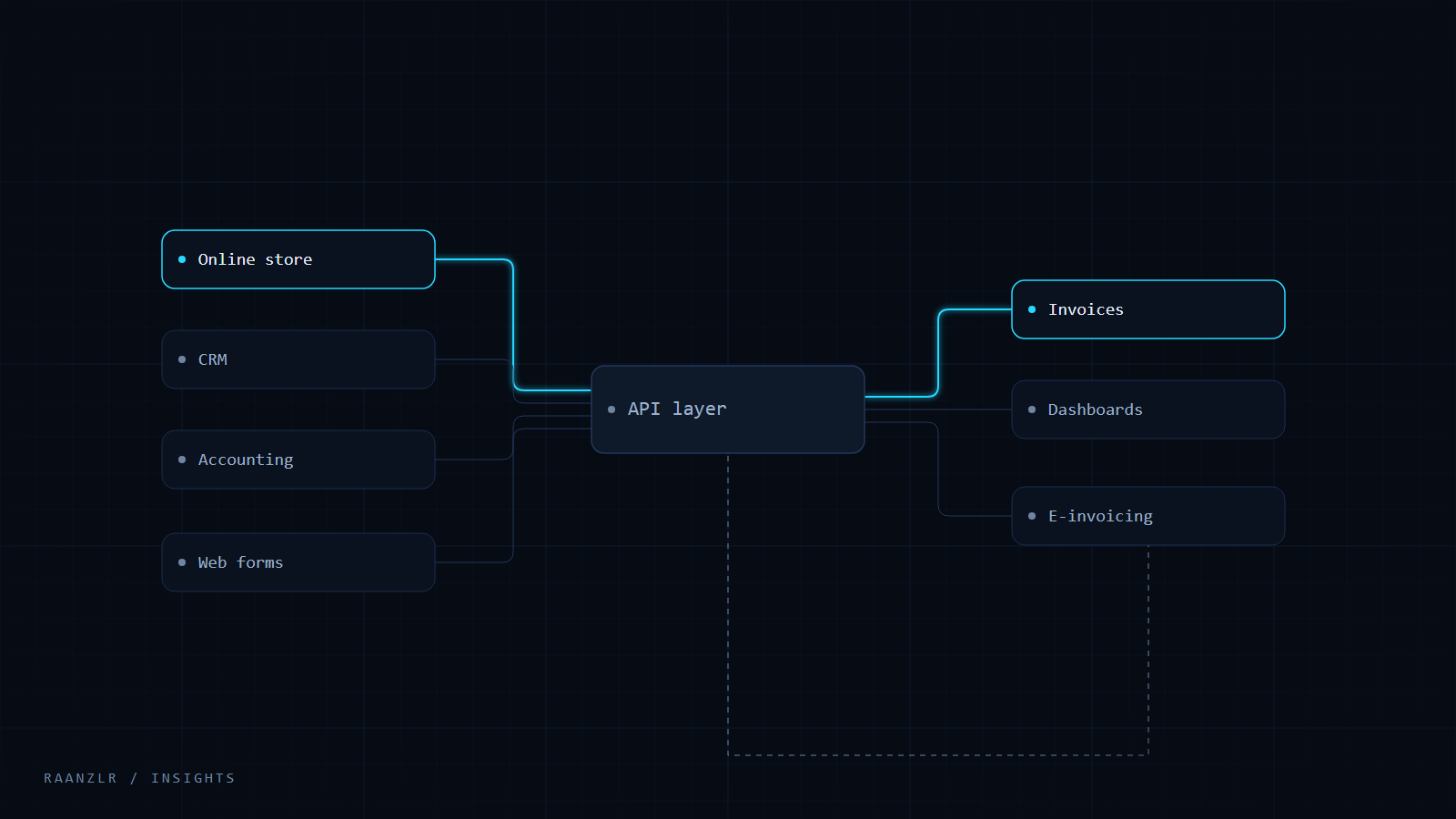
  • A paid order in the online store creates an invoice in the accounting system.
  • A new lead from a website form lands in the CRM with its source attached.
  • A delivery status from the courier updates the order and messages the customer.
  • A signed contract creates the project and its first invoice.

Most integrations run in one of two ways. With polling, one system asks the other for changes every few minutes. With webhooks, the source system sends a message the moment something happens. Webhooks are faster and lighter, but the receiving side has to cope with messages that arrive twice or out of order.

03

Most business software is still not connected

The gap between how many applications companies run and how many are connected is wide, at least in large organisations. Salesforce's 2026 Connectivity Benchmark Report found an average of 957 applications per organisation, up from 897 a year earlier, with only 27% of them integrated. The report is based on a survey of 1,050 IT leaders at organisations with at least 1,000 employees, carried out in October and November 2025. The previous edition put the connected share at 29%, so the number of apps is growing faster than the work of connecting them.

The same research shows where the effort goes. In the 2025 edition, IT leaders estimated that 39% of their teams' time went to designing, building and testing custom integrations. In the 2026 edition, respondents said an estimated 27% of their APIs were ungoverned, and 96% agreed that AI agent success depends on data integration across systems.

Two cautions apply. Salesforce sells integration software through MuleSoft, so these are vendor-reported figures. The survey also covers enterprises only, and a 40-person company runs far fewer applications. The pattern still holds at small scale: each new tool adds another place where customer or invoice data can drift out of step.

04

Three ways to connect two systems

The three routes differ mainly in who owns the moving parts. With a native connector, the vendor does. With an integration platform, you own the workflow logic and the platform owns the plumbing. With custom code, you own all of it.

For a small or mid-sized company connecting common cloud tools, an integration platform is usually the right default, which is why that column is highlighted. It is quick to set up and a change takes minutes. Someone outside the engineering team can also read the workflow and understand it.

Custom integration suits a narrower set of flows: those that touch invoices or payments, and those that handle thousands of records an hour. It is also the only option when a system has no ready-made connector, as with an older ERP or a government platform.

Three routes to connected systems
Native connectorIntegration platformCustom API integration
Setup effortMinutes: switch it on and map fieldsHours to days per workflowWeeks of design and build
Running costOften included in the licenceSubscription that rises with tasks or executionsHosting and maintenance you fund directly
FlexibilityOnly what the vendor chose to syncWide, within the connectors and steps on offerWhatever both APIs allow
When it failsThe vendor fixes it on their scheduleYou see the failed run and can replay itDepends on the logging and retries that were built
Who maintains itThe vendorWhoever built the workflowA developer or technical partner
Best forTwo mainstream products with a standard syncEveryday handoffs between cloud toolsMoney, compliance, high volume and unusual systems

Source: Raanzlr analysis. Billing models from the Zapier and n8n pricing pages, read 16 November 2026.

05

What integration platforms charge for

Platform pricing looks cheap at the entry tier. The real bill depends on what the platform counts.

Zapier counts tasks. Its pricing page says every step in a workflow and every external connector call uses tasks, at rates that vary by the type of action. The free plan includes 100 tasks a month, the Professional plan starts from $19.99 a month and the Team plan from $69.

n8n counts workflow executions, however many steps a workflow has. Its hosted Starter plan is €20 a month, billed annually, with 2,500 executions, and Pro is €50 with 10,000. A self-hosted Community Edition is available on GitHub, which moves the cost from a subscription to your own hosting and upkeep.

The difference shows in long workflows. A ten-step order workflow that runs 1,000 times a month counts as 1,000 executions under per-execution pricing. Under per-step pricing the same run is counted step by step, so the total is a multiple of that. Before choosing, count your real monthly volume and the steps in each run, then price both models. These are list prices read on 16 November 2026, and they change often.

06

When integration is a legal requirement: e-invoicing in Saudi Arabia

In Saudi Arabia, one integration is not optional. Phase 2 of the e-invoicing rules from the Zakat, Tax and Customs Authority (ZATCA) requires a taxpayer's invoicing system to be integrated with ZATCA's Fatoora platform and to transmit e-invoices and notes to it. Phase 2 took effect on 1 January 2023 and has been rolled out in waves, starting with the largest companies.

The revenue threshold has dropped quickly, as the chart shows. Wave 20 covered taxpayers with more than SAR 1.5 million in taxable turnover. Wave 24, with a deadline of 30 June 2026, covered those above SAR 375,000. On 24 July 2026 ZATCA announced wave 25: taxpayers with turnover above SAR 187,500 in 2022, 2023, 2024 or 2025, roughly US$50,000 by EY's conversion, should prepare to comply from 1 February 2027.

Small businesses are now in scope. The invoicing tool they use has to support the integration, or it has to be connected through custom work. If you run a custom ERP or a point-of-sale system that issues invoices, check now whether it can connect to Fatoora and who will maintain that connection. This is general information, not tax advice, so confirm your wave and deadline with ZATCA or your tax adviser.

Saudi Phase 2 e-invoicing: taxable turnover threshold by wave (SAR thousands)

Source: [EY, Saudi Arabia announces 25th wave of Phase 2 e-invoicing integration](https://www.ey.com/en_gl/technical/tax-alerts/saudi-arabia-announces-25th-wave-of-phase-2-e-invoicing-integration), 10 August 2026, summarising ZATCA announcements. Wave numbers on the horizontal axis.

07

What separates a reliable integration from a fragile one

Most integrations work on the day they launch. The fragile ones break quietly a few months later, when a field is renamed or a token expires and nobody is told. Whichever route you pick, ask how it handles these:

  • Duplicates: if the same message arrives twice, does the customer get two invoices? A well-built integration recognises a repeat and ignores it.
  • Failures: when the other system is down, does the integration retry, and how long before a person gets an alert?
  • Visibility: can someone outside engineering see what failed today and why?
  • Access: does the integration use its own credentials with only the permissions it needs, or a staff member's personal login?
  • Change: who is told when a vendor retires an API version, and who has the time to update the integration?

One more rule saves a lot of trouble: decide which system is the source of truth for each piece of data. If the CRM owns the customer's phone number, every other system reads it from there and never overwrites it.

08

How to scope an integration project

Integration projects go wrong when they start from the tool. Start from the manual work:

  • List every place where someone copies data from one screen to another, and estimate the hours it takes each week.
  • For each one, note the two systems, whether each has an API or a connector, and which is the source of truth.
  • Begin with the handoff that costs the most hours or causes the most errors.
  • Try a native connector or a platform workflow first. Move a flow to custom code when volume or risk justifies it.
  • Agree before launch who watches for failures and how fast they respond.

A small first project also tells you something a plan cannot, which is how clean your data is. Integrations expose duplicate customers and mismatched product codes within days, and fixing those is often a large part of the work.

09

What this means for business automation

Automation and AI agents can only act on data they can reach, so integrations are usually the first thing to build. Raanzlr can map the manual handoffs in your operations and build the CRM and API integrations that remove them, using platform workflows where they fit and custom code where the flow carries money or compliance records. On top of connected systems we can add workflow automation for approvals and follow-ups, AI agents that read and update live records, and dashboards that draw on one consistent set of numbers. For companies in Saudi Arabia, that can include connecting an invoicing system to Fatoora. For teams in the UAE, it can include Arabic interfaces and regional hosting choices. A short scoping session is enough to decide which connections to buy and which to build.

// FAQ

What is an API integration in simple terms?
An API integration is a connection that lets two software systems exchange data automatically. One system exposes an API, a defined way for other software to read or create records, and the integration uses it to pass information along, such as turning a paid online order into an invoice in the accounting system. The aim is that nobody has to type the same data twice.
How much does an API integration cost?
It depends on the route. A native connector is often included in the licence you already pay for. Integration platforms charge a subscription that grows with usage: Zapier's Professional plan starts from $19.99 a month and n8n's hosted Starter plan is €20 a month billed annually, according to their pricing pages in November 2026. A custom integration is a development project, with hosting and maintenance to pay for afterwards.
Is Zapier or n8n enough, or do I need a custom integration?
For everyday handoffs between common cloud tools, a platform such as Zapier, Make or n8n is usually enough and much faster to set up. Custom integration earns its cost when the flow carries payments or legal records, when volumes are high enough that per-task pricing gets expensive, or when one of the systems has no ready-made connector. Many companies end up using both.
Do small businesses in Saudi Arabia have to integrate with ZATCA?
Increasingly, yes. Phase 2 of ZATCA's e-invoicing rules requires integration with the Fatoora platform and is applied in waves by revenue. Wave 25, announced on 24 July 2026, covers taxpayers with taxable turnover above SAR 187,500 in 2022, 2023, 2024 or 2025, who should prepare to comply from 1 February 2027. Check your wave and deadline with ZATCA or your tax adviser.

// Want to apply this?

Let's discuss how this applies to your business.

A senior engineer reviews every inquiry and responds within one business day.

Start a Conversation