AI Automation for Small Businesses: Where to Start and What It Takes
Automation8 min readOctober 19, 2026

AI Automation for Small Businesses: Where to Start and What It Takes

Small businesses get the most from AI by automating one repetitive, checkable task inside the tools they already use. Official data from Canada and the US shows the smallest firms are adopting AI, and the common blockers are privacy, skills and fit.

How can a small business start with AI automation?

Pick one task that repeats every week, arrives in digital form and has an output someone can check, such as reading supplier invoices or sorting the shared inbox. Automate that task inside the software you already use, keep a person approving the result at first, and measure time saved and error rate for a month before adding a second task.

01

The short answer: start with one task, not a platform

A small business gets real value from AI automation by choosing one task that repeats every week, arrives in digital form and produces something a person can check, then automating it inside the software the team already uses. Supplier invoices, the shared inbox, booking requests and follow-up emails are the usual first candidates.

Buying a broad AI platform first tends to go the other way: a subscription nobody owns, tried on a few tasks and dropped. One well-chosen task, measured for a month, tells you more about what AI can do for your business than any demo.

This guide covers how many small firms actually use AI, what they use it for, the three ways to set it up, five first projects that suit a small team, and the risks worth planning for. If you are new to the topic, our guide to what AI automation is explains the basics.
02

How many small businesses use AI today

Official statistics give a more sober picture than vendor surveys, and they show small firms are not far behind.

Canada

Statistics Canada's survey for the second quarter of 2026 found that 19.2% of businesses used AI to produce goods or deliver services in the previous 12 months, up from 12.2% a year earlier and 6.1% in 2024. Among businesses with one to four employees the figure was 19.9%; among those with 100 or more it was 27.8%. Plans are rising faster: in the third quarter of 2026, 25.6% of the smallest businesses said they plan to use AI in the next 12 months, up from 14.2% a year before.

United States

The US Census Bureau's Business Trends and Outlook Survey put overall AI use between 17% and 20% from December 2025 to May 2026. Large firms lead, at 37% for those with 250 or more employees, while fewer than 20% of firms with four or fewer employees reported using AI. Use among firms with fewer than 20 employees did not change significantly over that period. That matters, because the US has about 36.2 million small businesses employing 45.9% of US employees, according to the SBA Office of Advocacy's 2025 profile.

The two surveys ask slightly different questions, so the numbers are not directly comparable. The direction is the same: roughly one small business in five uses AI, and many more are planning to.

Canadian businesses planning to use AI in the next 12 months, by employee count (% of businesses)

Source: Statistics Canada: Analysis on planned use of artificial intelligence by businesses in Canada, third quarter of 2026, Table 4, Canadian Survey on Business Conditions, released 1 October 2026. Official statistics.

03

What small firms actually use AI for

The OECD surveyed more than 5,000 SMEs in seven countries, including Canada, in late 2024. Generative AI was in use at 31% of them, and text was by far the main use: 91.6% of users generated text, against 34.9% for images. Only 28.7% used it in their core, revenue-producing work. Most use sits around the edges of the business, in writing, admin and customer communication.

The benefits small firms reported are practical. 65% of users said it improved employee performance, about a third said it reduced workload, and 14% said it reduced their reliance on outside contractors. Revenue gains were reported less often, by 26%.

Canadian businesses that used AI in the year to spring 2026 named data analytics (36.6%), text analytics (34.5%) and virtual agents or chatbots (28.2%) as their top applications. Put plainly, small firms use AI to read, write and answer, which is where most of their admin time goes.

What SMEs using generative AI say it helped with (% of SME users, 7 countries, late 2024)

Source: [OECD: Generative AI and the SME Workforce, New Survey Evidence](https://www.oecd.org/en/publications/generative-ai-and-the-sme-workforce_2d08b99d-en.html), executive summary, November 2025. Independent survey of over 5,000 SMEs in Austria, Canada, Germany, Ireland, Japan, Korea and the UK.

04

Three ways to set it up: built-in features, connected workflows or a custom build

Small businesses rarely need to choose a model or train anything. The real choice is where the automation lives.

  • Built-in AI features in the accounting, CRM, helpdesk or office software you already pay for. Fastest to try, but each tool only sees its own data.
  • A connected workflow: a no-code or low-code tool such as Zapier, Make or n8n moves data between your systems and calls an AI model at the step that needs reading or writing.
  • A custom build: software written around your process, with its own review screen, logs and validation rules.

We highlight the connected workflow because it fits most small teams once a task crosses more than one system, for example an emailed invoice that has to end up in the accounting software. It costs less than custom work and can be replaced piece by piece. Our comparison of AI and traditional automation explains why each AI step should have a rule-based check behind it.

How the three setups compare for a small team
Built-in AI featuresConnected workflowCustom build
Best forOne task inside one toolTasks that cross two or more systemsCore or sensitive processes specific to you
Time to first resultDaysOne to a few weeksSeveral weeks or more
Who maintains itThe software vendorA staff member or a partnerA developer or a partner
Checks and logsWhatever the vendor offersYou add validation steps and a review queueDesigned in from the start
Data controlVendor's termsSplit across the connected servicesHighest; you choose where data goes
Main limitSees only that tool's dataCan become fragile as steps multiplyUpfront build and upkeep cost

Source: Raanzlr editorial comparison, October 2026

05

Five first projects that suit a small team

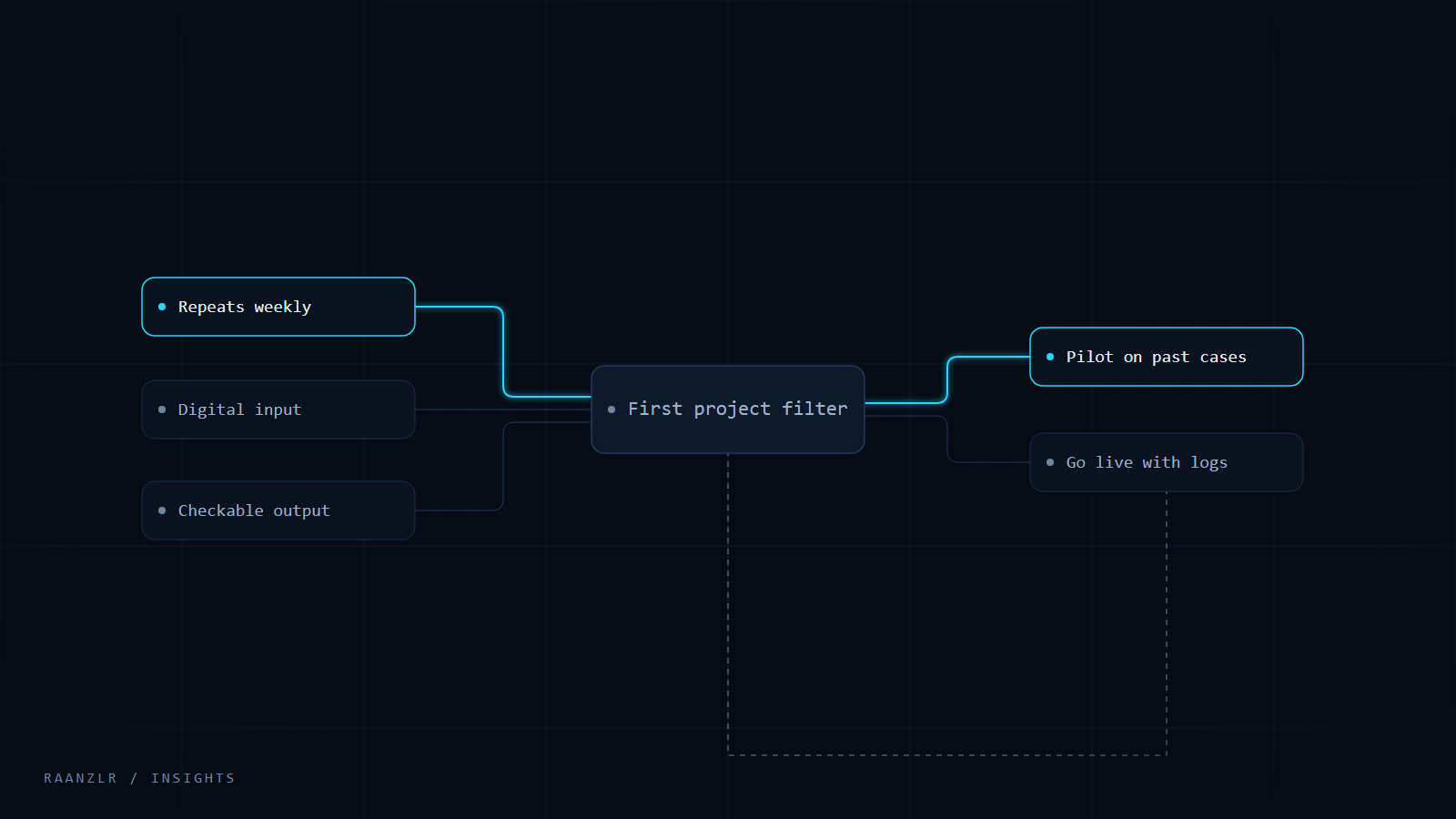
A simple filter for the first project: the task repeats weekly, the input is digital and the output can be checked. It is piloted on past cases before it goes live with logs.

Each of these happens in almost every small business, runs often and has a result that is easy to check.

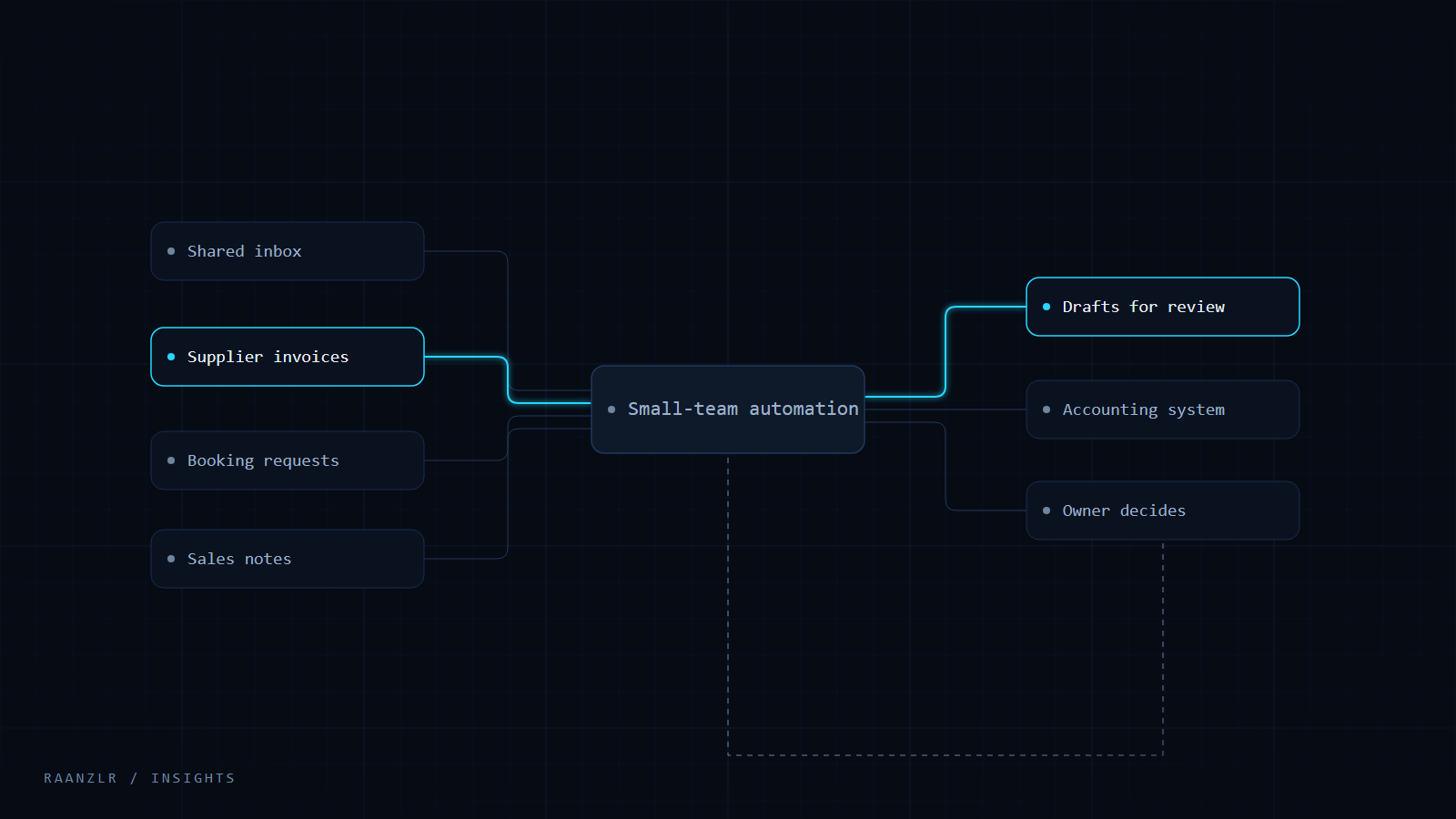
  • Supplier invoices and receipts. A model reads each emailed invoice, extracts supplier, date, amounts and tax, and creates a draft bill in the accounting software. Rules check that the totals add up, and the owner approves.
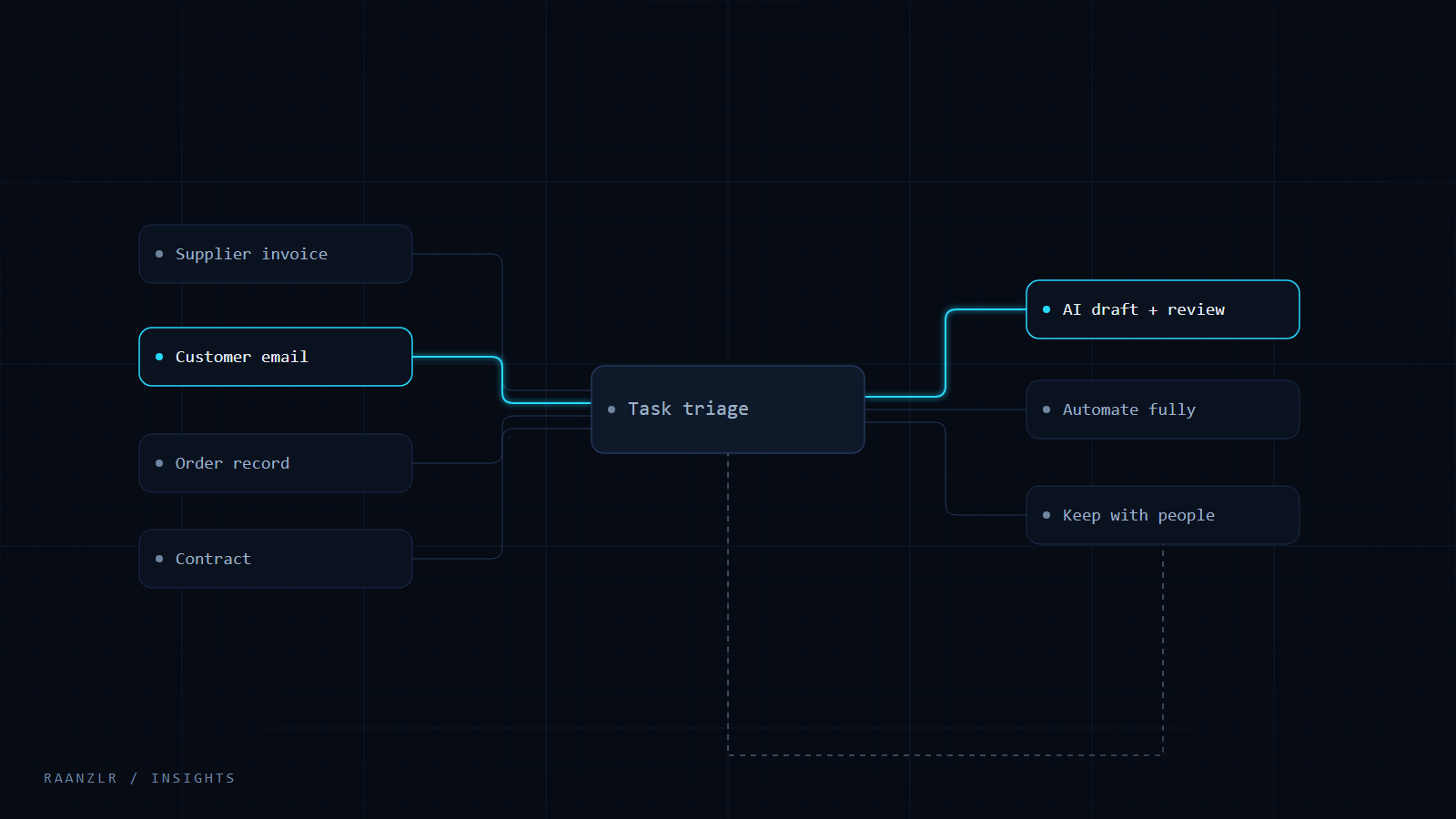
  • Shared inbox triage. Each message is tagged as a quote request, an order question, a complaint or spam, and routed with a one-line summary. Mistakes cost little, because a person still answers.
  • Booking and appointment requests. Requests that arrive by email, web form or chat are turned into calendar entries with the right details, and missing information is requested automatically.
  • Draft replies to routine questions. For opening hours, order status or pricing questions, an AI agent drafts an answer from your own policies and records, and staff send or edit it.
  • Notes into the CRM. After a call or meeting, the summary and next steps are written into the customer record instead of living in someone's notebook.

Start with whichever one eats the most hours today. In a two-person business that is often invoices or bookings; in a shop with a busy inbox it is usually triage.

06

What holds small businesses back, and how to handle it

The barriers are well documented. Among SMEs in the OECD survey that did not use generative AI, 57% said it did not suit their work, 54% worried about copyright, legal or regulatory issues, 52% about what happens to data they feed in, and 50% cited a lack of skills. In Canada, 40.0% of businesses said AI was not relevant to what they do, 13.4% named cybersecurity or privacy concerns and 10.6% named cost.

Each of these has a practical answer for a small firm.

Data and privacy

Read the data terms of any AI service before connecting it, and prefer business plans that do not use your inputs for training. Keep card numbers, health details and other sensitive personal data out of prompts unless the setup is built for it. Log what was sent and when.

Fit

"Not relevant" often means nobody has looked at the admin side of the business. A delivery firm or a clinic may not use AI in its core service, but it still handles invoices, bookings and email.

Skills

You do not need an in-house AI specialist, but someone on the team should own each automation: check the review queue, read the logs and notice when accuracy slips.

Errors

Keep a person approving anything that moves money, makes a promise to a customer or changes a record permanently, at least until months of logs show the step rarely needs correcting.

07

A four-week plan for the first automation

A first project should be small enough to finish in a month and measurable enough to judge honestly.

  • Week 1: pick and measure. Choose one task from the list above. Count how many times it happens per week and time a few of them, so you have a baseline.
  • Week 2: build on past cases. Set up the workflow and run it on 50 to 200 past examples where you already know the right answer. Note every error and what caused it.
  • Week 3: run alongside people. Switch it on for live work, but with every output going to a review queue. Staff approve, edit or reject, and each decision is logged.
  • Week 4: decide. Compare time spent and error rate with the baseline. Keep it, adjust the review step, or drop it. If it works, the integrations and review screen you built become the base for the next task.

Write down what you measured. It is the evidence you will want when deciding whether to expand, and it protects you from both hype and from giving up too early.

08

What this means for business automation

For a small business, the data points to modest, specific projects: one task, inside existing tools, with a person checking the output until the logs justify more trust. Raanzlr builds that kind of automation for small teams. We set up workflow automation that connects your inbox, forms and accounting or CRM software, add an AI step only where reading or writing is needed, and put a review queue and validation rules behind it. Where a customer-facing assistant makes sense, we build AI agents that answer from your own policies, and we connect systems through API integrations. If you are not sure where to start, a short consulting engagement maps your tasks first. We work remotely with small businesses in the United States and Canada.

// FAQ

Is AI automation worth it for a business with fewer than ten people?
It can be, if the task is frequent enough. Statistics Canada found that 19.9% of businesses with one to four employees used AI in the year to spring 2026, slightly above the 19.2% average for all businesses. Very small teams often gain the most from removing admin work that the owner currently does at night, such as invoices, bookings and follow-up emails.
Will AI automation mean cutting staff?
The evidence so far says rarely. In the OECD's late-2024 survey of over 5,000 SMEs, 83% of those using generative AI said it had no effect on how many staff they need, while about a third said it reduced workload. Most small firms use the time to handle more customers or to stop outsourcing small tasks.
Do small businesses need custom software for AI?
Usually not at first. Many accounting, CRM and helpdesk tools now include AI features, and no-code workflow tools can add an AI step between systems. A custom build makes sense when a process is specific to your business, involves sensitive data, or has outgrown what the off-the-shelf tools can check and log.

// Want to apply this?

Let's discuss how this applies to your business.

A senior engineer reviews every inquiry and responds within one business day.

Start a Conversation