What Business Tasks Can Be Automated with AI? A Task-by-Task Guide
Automation7 min readOctober 17, 2026

What Business Tasks Can Be Automated with AI? A Task-by-Task Guide

AI automates tasks, not whole jobs. The best candidates are digital, repetitive and easy to check: data entry, document capture, inbox triage, first-draft replies and routine reports. Decisions someone must answer for stay with people.

What business tasks can be automated with AI?

AI handles tasks best when the work is digital, repeats often and has an output someone can check. Common examples are entering data from documents into systems, reading invoices and forms, sorting emails and tickets, drafting replies, reconciling records and writing routine reports. Decisions that carry legal, financial or personal consequences should keep a person in charge, with AI preparing the work.

01

The short answer: automate tasks, not jobs

AI can take over a business task when the work is digital, happens often and produces something you can check. That covers a long list: typing data from documents into systems, reading invoices and forms, sorting inboxes, drafting replies, matching records and writing routine reports.

What it cannot do well is own a decision. Approving a payment, rejecting a candidate or promising a customer a refund are tasks where someone has to answer for the result, so AI should prepare that work rather than finish it.

The useful unit is the task, not the job title. A finance clerk's week might include ten distinct tasks, and three or four of them are good automation candidates. This guide shows which tasks the research says are most exposed, what companies actually automate today, and a department-by-department split into automate, review and keep. If you are new to the topic, start with what AI automation is.

02

What task-level research says is most exposed

The most careful public study of this is the International Labour Organization's refined exposure index, published in May 2025. Researchers surveyed workers about 2,861 individual tasks, collected 52,558 ratings, had experts review the scores and then rated each occupation by how much of its work generative AI could take on.

The pattern is clear. Clerical work sits at the top: data entry clerks, typists, accounting and bookkeeping clerks and general office clerks are among the 13 occupations in the highest exposure group. Payroll clerks, contact centre roles, receptionists and inquiry clerks follow close behind. Highly digital professional work, such as software development and marketing, has also moved up since the ILO's 2023 study as models gained new abilities.

Two findings matter for planning. First, the ILO lowered several 2023 scores for tasks like taking meeting notes and scheduling, because two years of real use showed they still need substantial human effort. Second, it concludes that, because most occupations contain tasks that need people, transforming jobs is the most likely effect. Globally, one in four workers is in an occupation with some exposure; in high-income countries the share is 34%.

Generative AI exposure score by occupation, ILO 2025 index (0 = none, 1 = full)

Source: [ILO Working Paper 140: Generative AI and Jobs, A Refined Global Index of Occupational Exposure](https://www.ilo.org/sites/default/files/2025-05/WP140_web.pdf), Annex Table A1, mean task scores for ISCO-08 occupations, May 2025. Independent research (survey, expert review and model-assisted scoring).

03

What companies actually use AI for today

Exposure tells you what is possible. Adoption data tells you what companies have actually put to work. Eurostat's 2025 survey of EU enterprises with ten or more employees is one of the clearest views: about 20% used at least one AI technology, ranging from 17% of small firms to 55% of large ones.

Among those users, the most common purposes were marketing and sales (34.7%) and organising business administration (31.1%), followed by accounting and finance (23.1%). Eurostat names customer profiling, forecasting, cyberattack detection and invoice processing as typical uses. Logistics was the least common at 6.1%.

The barriers are telling too. Of the firms that considered AI and decided against it, 70.3% cited a lack of relevant expertise, ahead of unclear legal consequences (53.6%) and data protection concerns (52.7%). Only 17.8% said AI was not useful for them. In other words, most firms that hold back see a use for it but lack someone who can scope and build it safely.

When businesses do deploy AI, they tend to hand over whole tasks. Anthropic reported in September 2025 that 77% of a sample of its business API traffic followed an automation pattern, where the model completes a task with little back-and-forth. That figure is vendor-reported and covers one provider's customers.

What EU enterprises using AI apply it to, 2025 (% of AI-using enterprises)

Source: [Eurostat: The use of artificial intelligence (AI) technologies in the European Union, 2026 edition](https://ec.europa.eu/eurostat/documents/7870049/23260410/KS-01-26-009-EN-N.pdf/37d063cb-28cf-3b4e-91f3-c3784c970842?t=1774528533658&version=1.1), Figure 7, EU enterprises with 10+ employees, 2025 survey. Official statistics.

04

Department by department: automate, review or keep

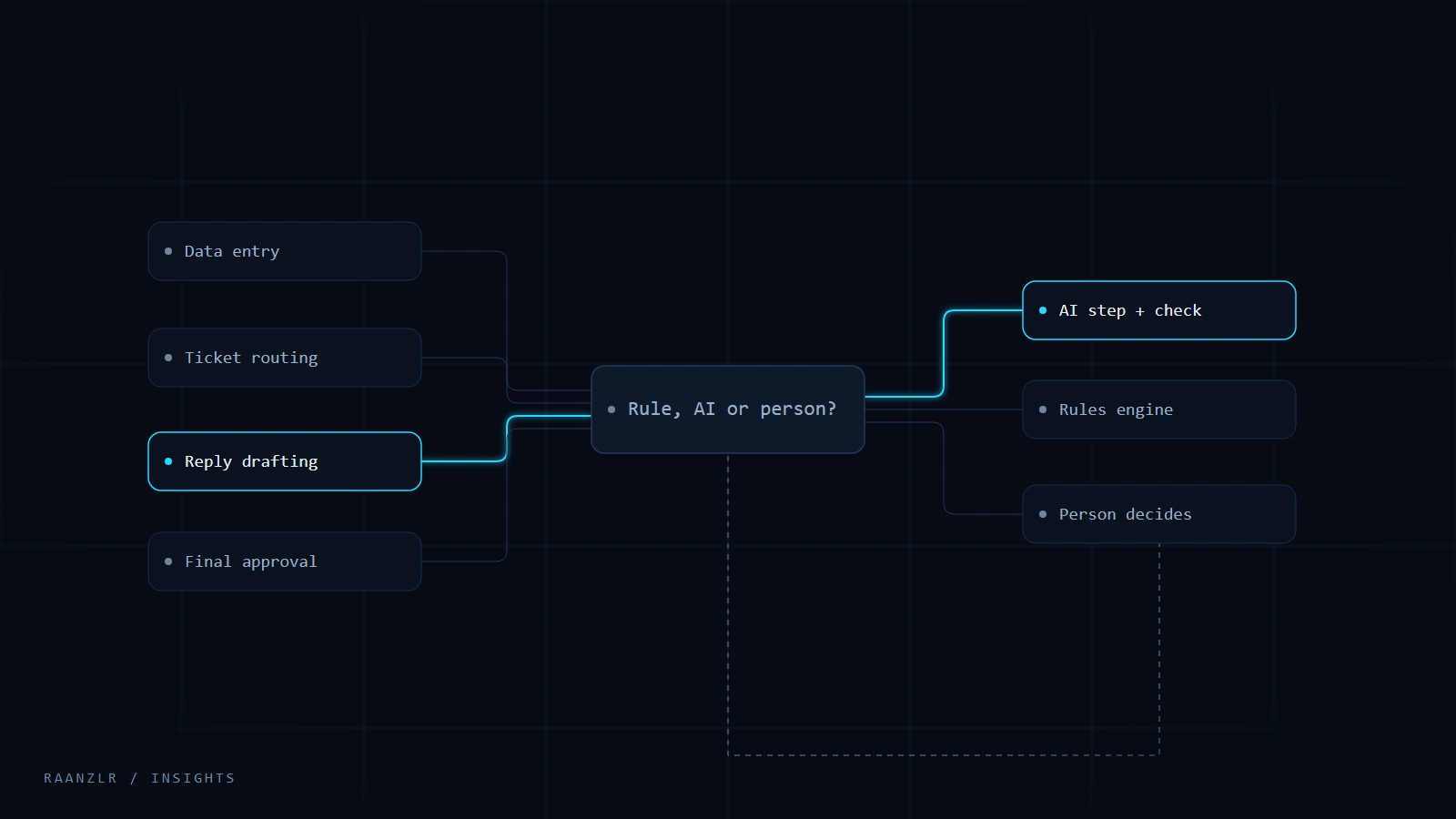
The table sorts common tasks into three groups. Automate fully means a rule or script can do it exactly, no model needed. AI with review means a model reads or drafts, and a check or a person confirms before anything final happens. Keep with people means AI can gather information, but a person makes the call.

We highlight the middle column because that is where most new value sits. Rules-based automation has existed for decades; what AI adds is the ability to handle the free-text emails, PDFs and scanned forms that used to stop a workflow. Our guide to AI vs traditional automation explains why the middle column needs a check behind it.

Common business tasks by how much AI should do
DepartmentAutomate fully (rules)AI with reviewKeep with people
FinanceBank feed imports, payment reminders, month-end exportsReading invoices and receipts, matching them to orders, flagging anomaliesApproving payments, credit decisions
Customer serviceOrder status lookups, ticket routing by known fieldsClassifying free-text requests, drafting replies, summarising historyRefund exceptions, complaints with legal risk
SalesLead capture into the CRM, follow-up sequencesEnriching and scoring leads, drafting proposals from templatesPricing negotiations, final quotes
HRLeave balances, onboarding checklistsAnswering policy questions with cited sources, drafting job adsShortlisting, hiring and dismissal decisions
OperationsStock alerts, shipment status updatesReading delivery notes and customs documents, exception triageSupplier disputes, safety decisions
Management reportingScheduled data pulls into dashboardsPlain-language summaries of what changed and whyStrategy and budget decisions

Source: Raanzlr editorial comparison, October 2026

05

Five tasks most teams can automate first

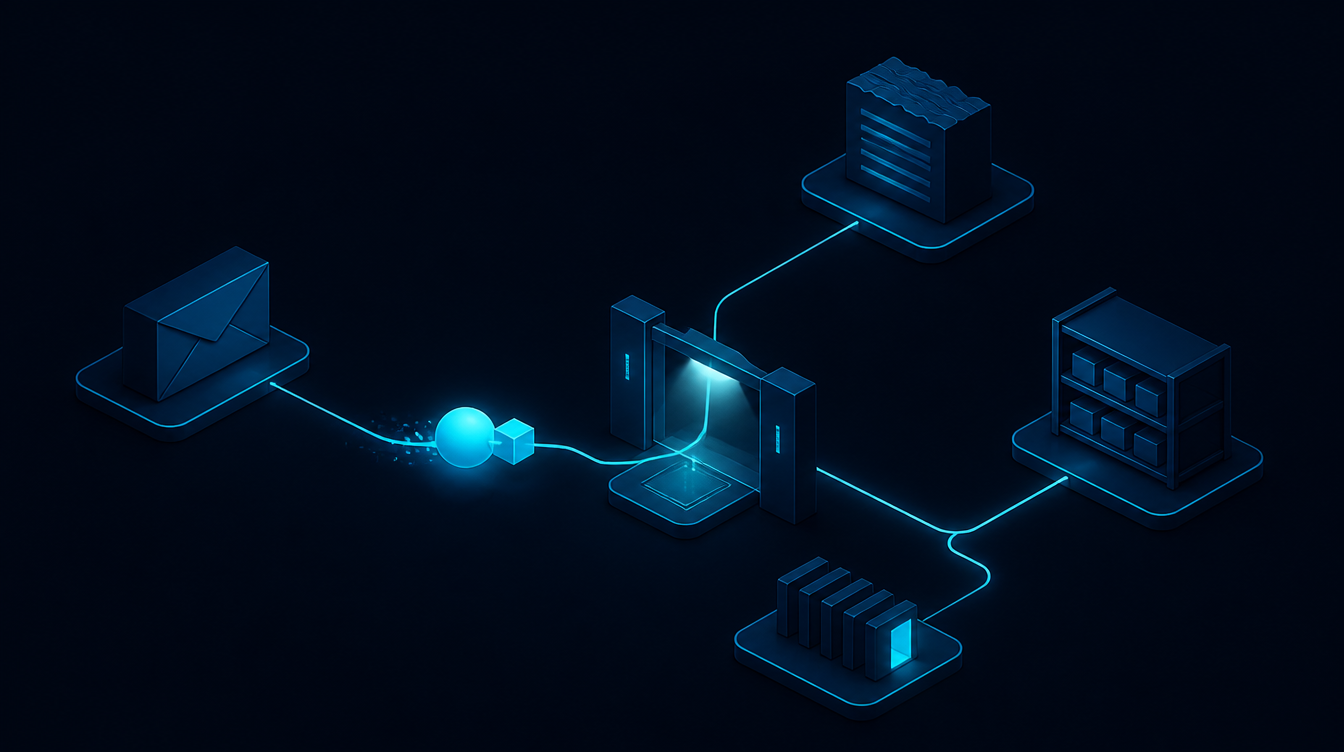
Each task is routed by type: rules handle exact data work, AI drafts with a check behind it, and a person keeps the final decisions.

If you want a starting point, these five tasks show up in almost every company, run at high volume and have outputs that are easy to check.

  • Document capture. A model reads invoices, purchase orders or application forms and extracts fields into a fixed format. Rules then check totals and reference numbers before anything is posted.
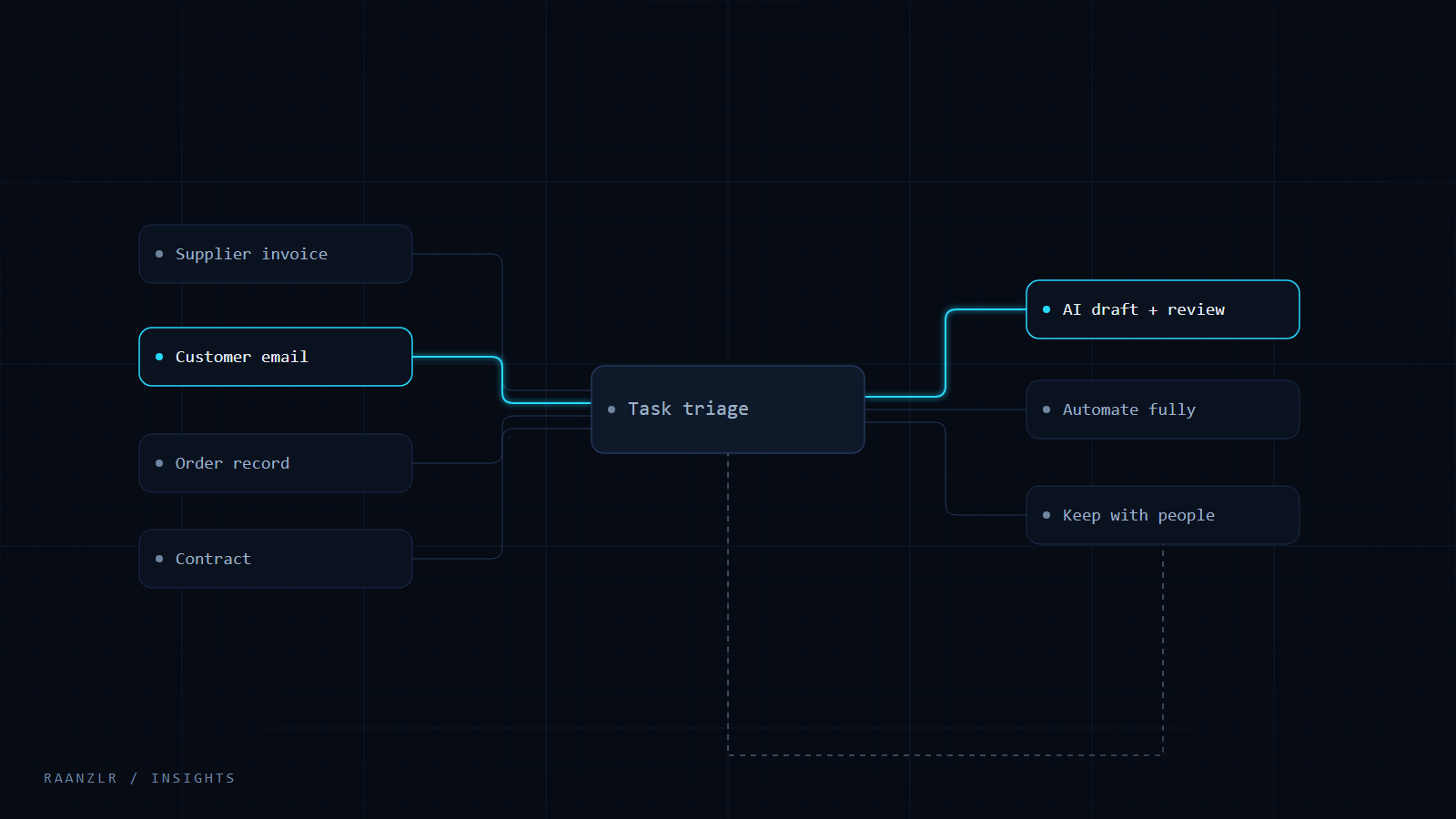
  • Inbox and ticket triage. Each incoming message is classified by topic and urgency, then routed to the right queue with a one-line summary. Mistakes here are cheap, because a person still handles the case.
  • First-draft replies. For routine questions, the model drafts an answer from your policies and order data, and an agent approves or edits it. Over time, the safest categories can be sent automatically.
  • Updating records between systems. After a call or an email, the CRM or ERP is updated with the details, instead of someone retyping them.
  • Routine reports. Numbers are pulled from several systems on a schedule, and a short written summary explains what moved. The figures come from the data, never from the model.

None of these remove the person from the process. They remove the copying and re-reading that fill much of the day, and leave staff to handle exceptions.

06

Tasks that should stay with people

Some tasks are poor candidates even when a model could produce a plausible answer.

  • Decisions with legal or personal consequences. Hiring, firing, credit and insurance pricing affect people's lives. The EU AI Act lists AI used for recruitment and candidate evaluation, and for assessing individuals' creditworthiness, as high-risk uses that carry strict obligations. Even outside Europe, these are areas where a person should decide and AI should only prepare.
  • Negotiation and relationships. Pricing talks, supplier disputes and sensitive complaints depend on trust and context that rarely sits in your systems.
  • Rare exceptions. If a case happens twice a year, there is no data to test a model on and no time saved by automating it.
  • Anything you cannot check. If no one can tell whether the output is right, an error will travel unnoticed until it causes damage.

The line moves as models improve and as you collect evidence. A task that starts in the review column can move to full automation once months of logs show it rarely needs a correction.

07

How to find the right tasks in your own business

A short task audit usually finds better candidates than a brainstorm about AI.

List the work, not the roles

Ask each team to write down the tasks they repeat every week, roughly how often and how long each one takes. Ten to fifteen minutes per person is enough.

Score each task on four questions

  • Does it happen often enough to matter?
  • Is the input digital, or can it easily become digital?
  • Can someone tell a correct result from a wrong one?
  • If it goes wrong, will a check or a person catch it before harm is done?

Tasks that pass all four are your shortlist. Rank them by time spent and by the delay they cause downstream.

Pilot one task on real history

Take a few hundred past cases with known outcomes and run the proposed automation against them. Measure accuracy, note the failure types and decide where the review step goes. Only then connect it to live systems, with logs you can read.

Start with one task in one department. The integration work, review screen, logging and validation rules you build for it can be reused for the next task.

08

What this means for business automation

The research and the adoption data point the same way: the gains come from specific, checkable tasks inside existing processes, and the main thing holding most firms back is expertise. Raanzlr helps at both ends. Through consulting we run the task audit and pick the first candidates with you. We then build the automation: workflow automation for the rules-based steps, custom AI for reading documents, and AI agents for inboxes and customer requests, connected to your CRM or ERP through API integrations. Every AI step gets a check or a review queue, and you keep the logs and prompts. We work remotely with teams in the United States, Canada, Europe and the UAE.

// FAQ

Can AI automate an entire job?
Rarely. Jobs are bundles of tasks, and most bundles include judgement, relationships or physical work. The ILO's 2025 exposure index found that even the most exposed roles, such as data entry clerks, still contain tasks that need people, and it concludes that changing jobs is a far more likely outcome than replacing them. Plan around tasks, not headcount.
Which department should automate first?
Start wherever a high-volume, document-heavy task causes delays. For many companies that is finance (invoice capture and matching) or customer service (inbox triage and draft replies). Eurostat data shows EU firms that use AI apply it most to marketing and sales and to business administration, so those are well-trodden paths with known patterns.
How do I know if a task is a good candidate for AI?
Check four things: it happens often, the input is digital, you can tell a right answer from a wrong one, and a mistake can be caught before it does harm. If a task passes all four, run a small pilot on real past cases and measure accuracy before switching it on for live work.

// Want to apply this?

Let's discuss how this applies to your business.

A senior engineer reviews every inquiry and responds within one business day.

Start a Conversation