Best AI Automation Use Cases for US Companies, Ranked by Evidence
Automation7 min readNovember 20, 2026

Best AI Automation Use Cases for US Companies, Ranked by Evidence

US firms that use AI apply it most in sales and marketing, strategy and IT. Here are four use cases worth automating, what controlled studies measured for each, and where to start.

What are the best AI automation use cases for US companies?

For most US companies the strongest use cases are customer support replies, sales and marketing drafting with lead handling, and search across internal documents. Among AI-using firms in a Census Bureau survey covering late 2025 and early 2026, 52% applied AI in sales and marketing, and a field study of 5,172 support agents measured 15% more issues resolved per hour.

01

The short answer: start with customer support and sales work

For most US companies, the best AI automation use cases are the ones where the work is mostly text, repeats in volume and ends in a result you can count. That means customer support replies, sales and marketing drafting, and search across internal documents. Software work is also a candidate, but the evidence for it is mixed.

The ranking draws on two kinds of evidence. The first is what US firms told the Census Bureau they use AI for. The second is what controlled studies measured when people did real tasks with and without AI. This guide covers four use cases, compares them in one table and ends with the work that should stay with people.
02

Where US firms already use AI

In April 2026, Census Bureau economists published a detailed look at AI use inside US companies, based on a Business Trends and Outlook Survey supplement fielded between November 2025 and February 2026. About 18% of firms used AI in at least one business function during the reference period. Weighted by employment, the figure is 32%. Firms expected 22% within six months.

Among firms that use AI, sales and marketing is the most common function, at 52%. Strategy and business development follows at 45%, then IT at 41% and research and development at 40%. Customer service and finance come next. Production, supply chain and distribution trail.

Use is still narrow: 57% of AI-using firms apply it in three or fewer functions. Where workers use generative AI, 85% of those firms report writing and editing and 50% report information search. These are official survey figures, reported by the businesses themselves.

Business functions where AI-using US firms apply AI, Nov 2025 to Jan 2026 (%)

Source: U.S. Census Bureau, Bonney et al., [The Microstructure of AI Diffusion](https://www.census.gov/library/working-papers/2026/adrm/CES-WP-26-25.html), CES Working Paper 26-25, April 2026. Firm-weighted shares among firms using AI in at least one of 15 business functions; Business Trends and Outlook Survey AI supplement. Official survey data.

03

Use case 1: customer support replies

Customer support has the strongest field evidence of any use case here. In a study published in The Quarterly Journal of Economics in 2025, Erik Brynjolfsson, Danielle Li and Lindsey Raymond followed 5,172 support agents at a software company as an AI assistant was rolled out. Issues resolved per hour rose 15% on average, and newer, less experienced agents gained the most. It is an independent academic study of one company, so use the figure as a reference point, not a forecast.

What to automate first:

  • Drafting replies to routine questions from your own help articles and policies, with an agent approving each one at the start.
  • Tagging and routing tickets by topic, urgency and account.
  • Summarising long threads before a handoff, so the next person does not reread everything.

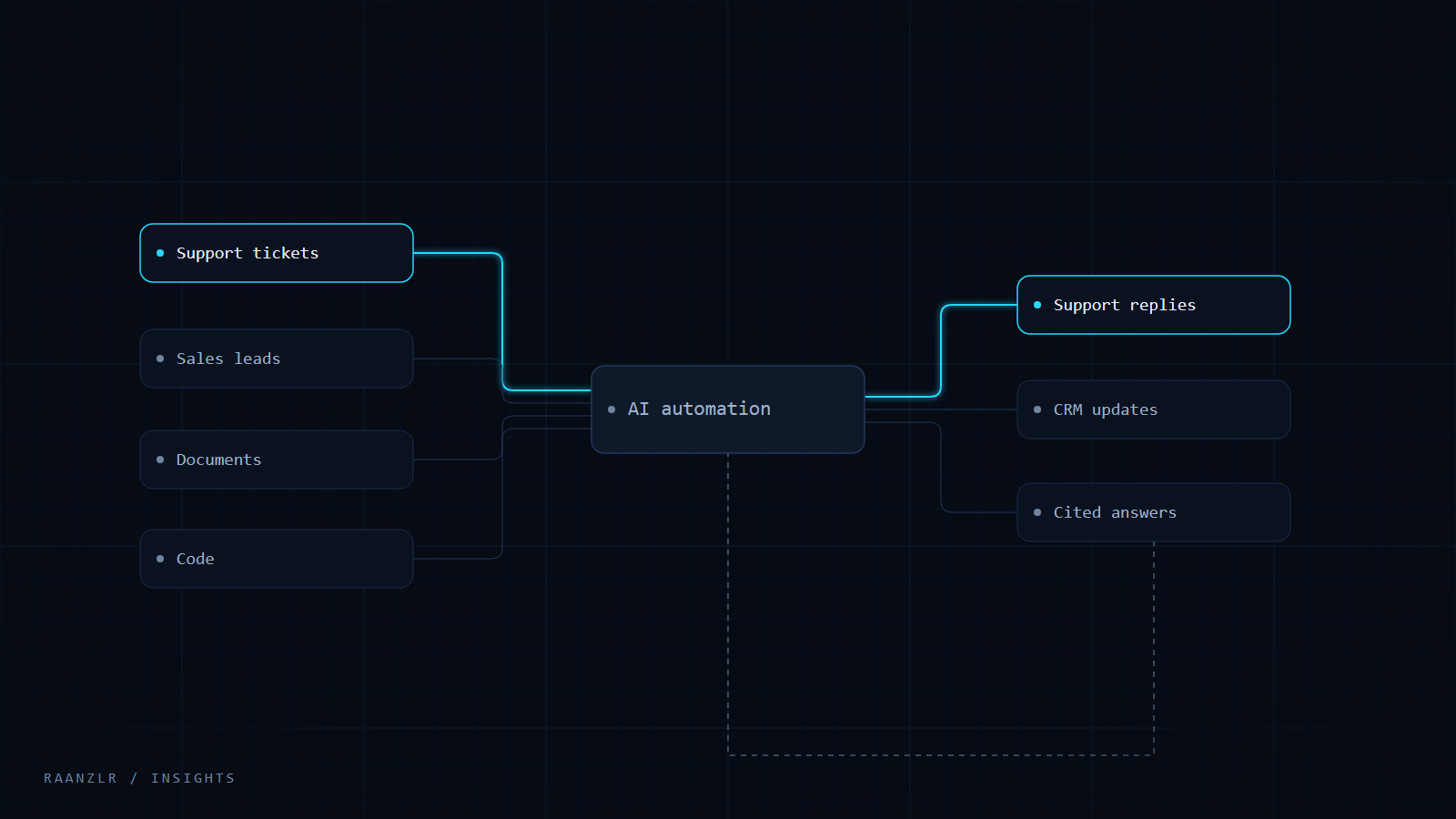
The result is easy to measure: tickets resolved per hour and reopen rates, before and after. The usual design is an AI agent that answers only from approved sources and hands off when it is unsure.

04

Use case 2: sales and marketing content and lead handling

Sales and marketing tops the Census function list, and task-level research points the same way. In a 2023 experiment published in Science, Shakked Noy and Whitney Zhang gave 453 college-educated professionals, among them marketers, grant writers and consultants, two writing tasks each. Those allowed to use ChatGPT finished 40% faster, and independent graders rated their work 18% higher. The authors noted that the tasks did not need company context or exact facts, and real sales copy usually needs both.

That caveat shapes what you build:

  • First drafts of follow-up emails and proposals, filled from the CRM record so the facts come from your data and not from the model.
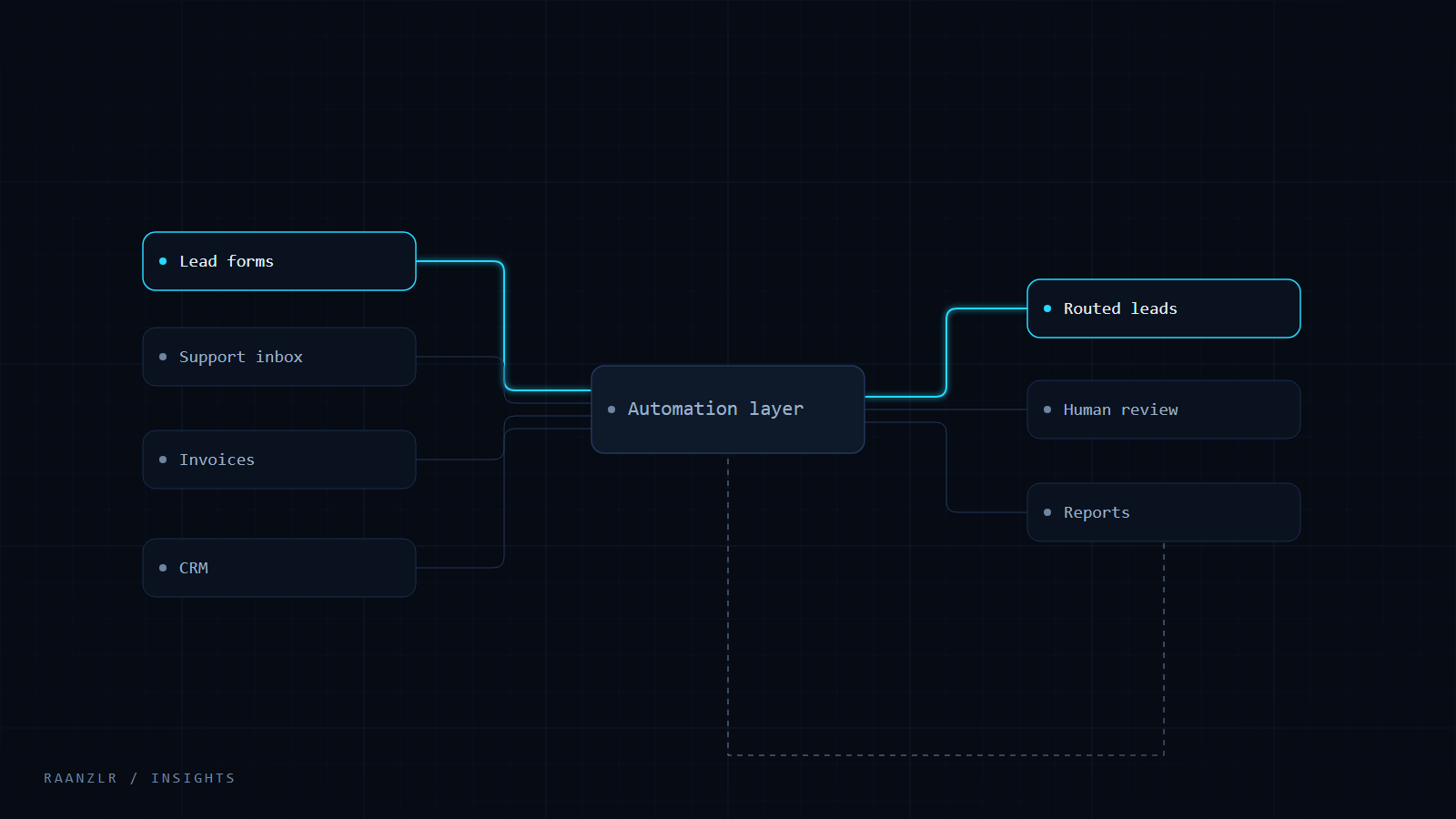
  • Lead intake that reads a form or email, adds missing details and routes it to the right owner.
  • Call and meeting notes turned into CRM updates and next steps.

A person still approves anything that reaches a customer. Most of the time saved comes from skipping the blank page and the copying between systems.

05

Use case 3: internal documents and knowledge search

Writing, document analysis and information search are the leading worker tasks for generative AI in the Census study. Inside most companies, that means people asking questions across policies, contracts, product specs and old email threads, and waiting for the one colleague who knows the answer.

A general chatbot is the wrong tool for this. The pattern that works is retrieval: the system searches your own documents, answers with a citation to the exact passage and says so when it cannot find an answer. Access rules matter as much as accuracy. A sales rep should not be able to pull HR files through the assistant.

Good first targets are internal policy questions for HR and operations, contract clause lookups for sales and legal review, and onboarding questions that land on experienced staff. Track hours spent searching and how often answers need correcting. This is the kind of system we cover under document AI and RAG.

06

Use case 4: software and IT work, where the evidence is mixed

IT ranks third among AI functions in the Census data, and coding assistants are widely used. The measured results point in different directions.

  • In a 2023 controlled experiment by researchers from Microsoft Research, GitHub and MIT Sloan, developers given GitHub Copilot completed a set programming task 55.8% faster than those without it. Several authors worked for the vendor.
  • In a July 2025 randomized trial by the nonprofit METR, 16 experienced open-source developers worked on 246 real tasks in projects they knew well. With AI tools allowed, they took 19% longer, even though they believed the tools had sped them up.

Both results can hold at once. AI helps most on well-defined, self-contained tasks and least where an expert already knows a large codebase. For a company that builds or maintains its own internal tools, the safer starting points are tests, documentation, small scripts and review support, measured on cycle time and defect rates.

07

Comparing the four use cases

The table puts the four side by side. We would start with customer support for most US companies. Its evidence comes from a real workplace, the data already sits in a help desk, and the result shows up in a number the team tracks anyway. Sales work is a close second when support volume is low.

Four AI automation use cases compared
Customer support repliesSales and marketing workInternal document searchSoftware and IT work
Strongest evidenceField study of 5,172 agents: 15% more issues resolved per hourExperiment with 453 professionals: 40% less time on writing tasksCensus: writing, document analysis and search lead worker tasksMixed: 55.8% faster on one task, 19% slower for experts
Data you needHelp desk history and approved answersCRM records and brand guidelinesOrganised documents with access rulesCode repositories and tests
Human reviewApprove replies at first, then spot checksApprove anything sent to customersCited answers that users can checkCode review on every change
Main riskConfident wrong answersGeneric or inaccurate claimsDocuments reaching the wrong peopleSlower work and hidden defects
Metric to trackTickets per hour, reopen rateTime per draft, reply rateSearch time, correction rateCycle time, defect rate

Source: Raanzlr analysis, November 2026, based on the Census Bureau, Quarterly Journal of Economics, Science, arXiv and METR sources cited in this article.

08

Work to keep with people

The Census study also asked what AI is doing to staff. Most users (66%) rely on AI only to augment tasks, and just 2% of firms reported AI-related employment decreases. At the worker level, a St. Louis Fed analysis of a November 2024 survey found that people using generative AI saved an average of 5.4% of their work hours, about 2.2 hours in a 40-hour week. The use cases above fit that pattern: they take over drafting and searching and leave the decision with a person.

Some work needs more care before you automate it. Decisions about people, such as hiring, credit, housing or insurance, are where US state and city rules on automated decision-making apply. Anything with legal or medical consequences needs a qualified reviewer, and refunds or price exceptions above a set limit should go to a manager. In these cases AI can still prepare the file and summarise the evidence while a named person makes the call.

09

What this means for business automation

For US companies the practical move is to pick one of these use cases, measure it for a month and build around that number. Raanzlr can build AI agents that draft support replies from your approved answers and pass uncertain cases to a person, and document AI that searches your files with citations and access rules. Workflow automation can move leads and meeting notes between forms, email and the CRM. CRM and API integrations keep each step in the system of record, and dashboards show tickets per hour or search time before and after. For teams in the United States, each build starts as a scoped pilot on one process.

// FAQ

Which AI automation use case should a US company start with?
Start with the process that combines volume, text-heavy work and a metric you already track. For many companies that is customer support, where a peer-reviewed field study measured 15% more issues resolved per hour with an AI assistant. If support volume is small, sales follow-ups or internal document search are good alternatives. Run one pilot, compare it with a month of baseline data, then decide.
How many US companies use AI in their business?
In a Census Bureau survey supplement covering November 2025 to January 2026, about 18% of US firms used AI in at least one business function, or 32% when weighted by employment. Firms expected the share to reach 22% within six months. Among firms using AI, 57% applied it in three or fewer functions, so most companies are still early and use it narrowly.
Do AI coding assistants make developers faster?
It depends on the task and the developer. A 2023 experiment found developers with GitHub Copilot finished a defined programming task 55.8% faster, though several authors worked for the vendor. A 2025 randomized trial by METR found experienced developers working on familiar codebases were 19% slower with AI tools. Test on your own work and measure cycle time before rolling it out widely.
Will automating these use cases mean cutting staff?
Current US evidence points to supporting staff more than replacing them. In the Census Bureau study, 66% of AI-using firms used it only to augment employees' tasks, and just 2% reported AI-related employment decreases. In practice, support and sales staff spend less time drafting and searching and more time on exceptions, approvals and customers who need a person.

// Want to apply this?

Let's discuss how this applies to your business.

A senior engineer reviews every inquiry and responds within one business day.

Start a Conversation